 View documentation
 Read Quick Start












API
The API lets you connect tebio from external systems — for example to process customers, subscriptions, orders, invoices, payments or other resources.
Typical for
 Custom frontends
- Product backends
- CRM
- ERP
- Finance and provisioning integrations
For integration, automation, SSO and external systems
Integrate tebio with your existing frontends, CRM, ERP, Finance, provisioning, data warehouse, product and identity systems. API, Webhooks and identity features connect customers, subscriptions, orders, invoices, payments, documents, events and login processes with your system landscape.
 External systemsCRM · ERP · Finance · Product backend · Data warehouse
 API & Webhooks
 tebio platformCustomers · Subscriptions · Orders · Invoices · Payments · Documents
 Business Portal · Hosted Pages · Self-Care · Sales partner portal
 Identity provider / SSO / Keycloak-based authentication






Recurring business models touch many systems: website, checkout, customer portal, CRM, ERP, Finance, provisioning, support, BI, product backends and identity providers. If customer, subscription, payment, billing and login data are not cleanly connected, the result is manual synchronization, inconsistent status information and error-prone downstream processes.
 Customer and subscription data must be available in multiple systems.External frontends need access to products, orders, subscriptions or payment status.Provisioning systems need to know when a subscription was activated, changed, paused or canceled.Finance systems need invoice, payment and report data.CRM and support teams need up-to-date customer and contract information.Data warehouses or BI systems need structured events and billing data.Customers, partners or internal teams need suitable login and access concepts.SSO and identity provider requirements must fit portal, customer and partner processes.Manual exports and imports cause delays and errors.Status changes must be able to trigger external processes reliably.
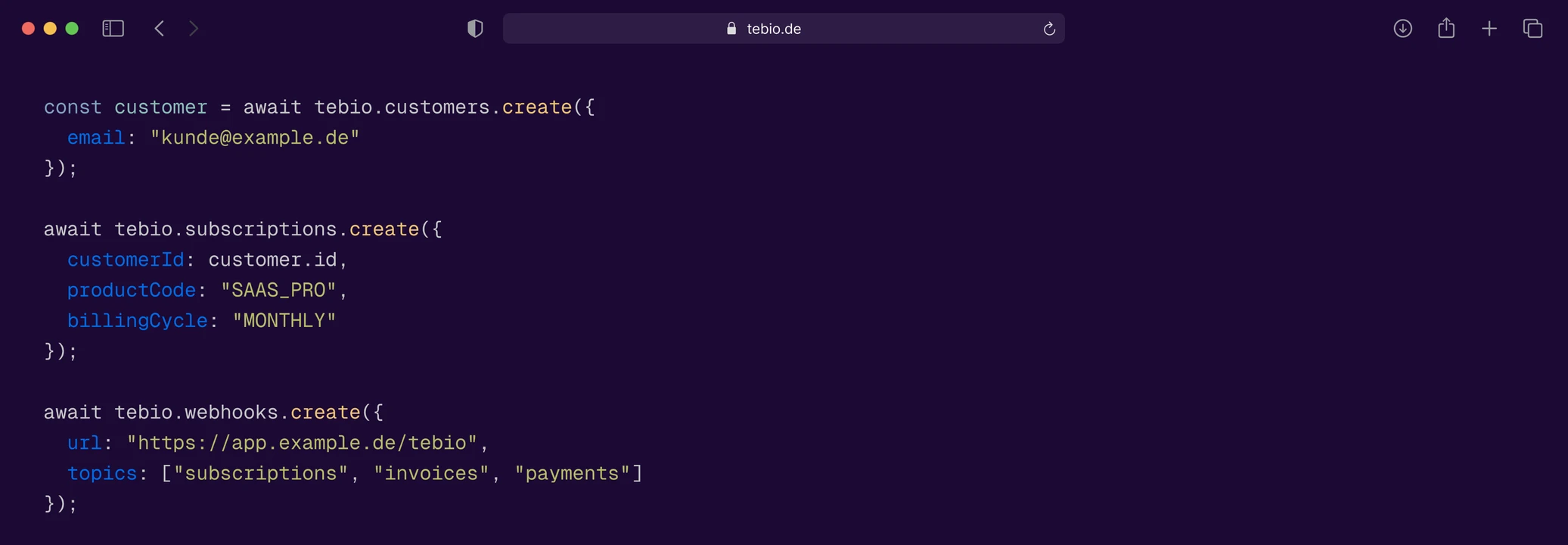
With API, Webhooks and identity features, tebio can be integrated with your existing systems. The API provides technical access to tebio resources and processes. Webhooks notify external systems about relevant events. Identity and SSO features support suitable login, authentication and access processes.
These integration building blocks complement the Business Portal and Hosted Pages. Internal teams work in the portal, customers and partners use digital ordering, Self-Care or partner processes, and external systems stay connected via interfaces, events and identity processes.
At tebio, integration means more than data exchange. Depending on the setup, API, Webhooks and identity processes can work together so that data, events and access stay consistent across systems.
The API lets you connect tebio from external systems — for example to process customers, subscriptions, orders, invoices, payments or other resources.
Typical for
Custom frontendsProduct backendsCRMERPFinance and provisioning integrations
Webhooks send events to external systems when relevant changes happen in tebio — for example for customers, subscriptions, invoices, payments, documents or support processes.
Typical for
AutomationStatus synchronizationProvisioningReportingNotifications and downstream processes
Identity and SSO features support login, authentication and access processes for internal teams, customers or partners — depending on setup and configuration.
Typical for
Single sign-onExternal identity providersCustomer loginPartner loginRoles and access conceptsAn existing portal or your own website can integrate tebio via API, while tebio processes customers, subscriptions, billing, payments and downstream processes.
Hosted Pages can be used for standardized checkout, Self-Care and partner processes. API and Webhooks complement these processes when external systems need to be notified or additional data needs to be synchronized.
CRM, ERP or product systems can align customer and subscription data with tebio so that operational and technical systems work with up-to-date information.
When a subscription is created, changed, paused or canceled, connected systems can start downstream processes via Webhooks, for example granting or revoking access.
External systems can react to invoice, payment, document or status events and use them for Finance, support, reporting or customer communication.
Data warehouses, BI systems or reporting processes can further process relevant customer, subscription, billing or payment data from tebio.
Customer, ticket and event data can be used to connect support processes with subscription and billing context.
Depending on the setup, internal teams, customers or sales partners can be included in tebio-related access processes via existing identity providers or SSO processes.
Publishers, telco providers, healthcare platforms, IoT providers or fitness providers can connect industry-specific systems with tebio.
Customer data, addresses, contacts, properties and relevant customer information can be included in integrated processes.
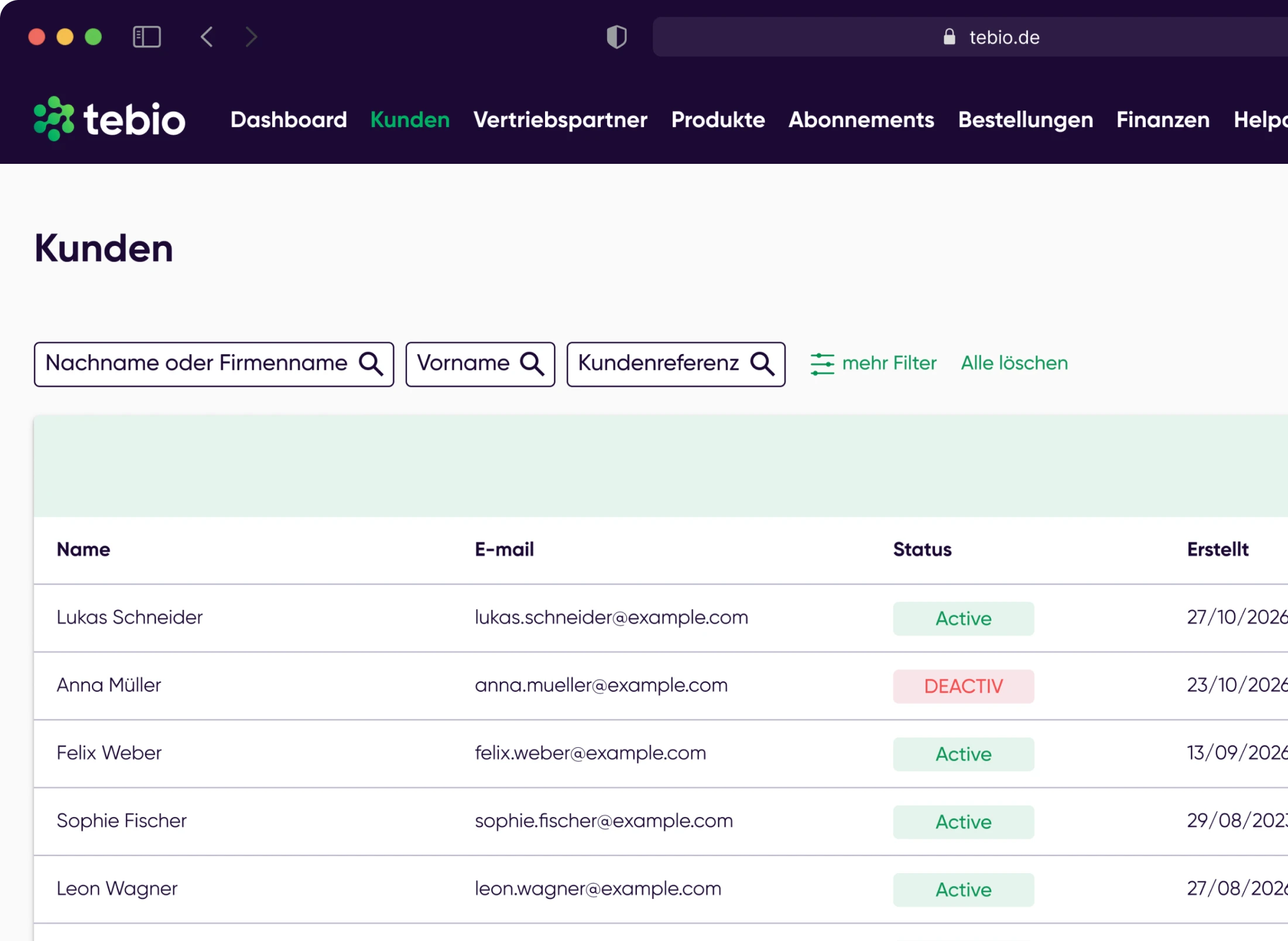
Subscriptions, status, terms, options, changes, pauses or cancellations can be connected with external systems.
Order processes from your own frontends, Hosted Pages or internal workflows can be connected with tebio and processed further.
Product, option and pricing logic can be included in external frontends, offer flows or internal processes.
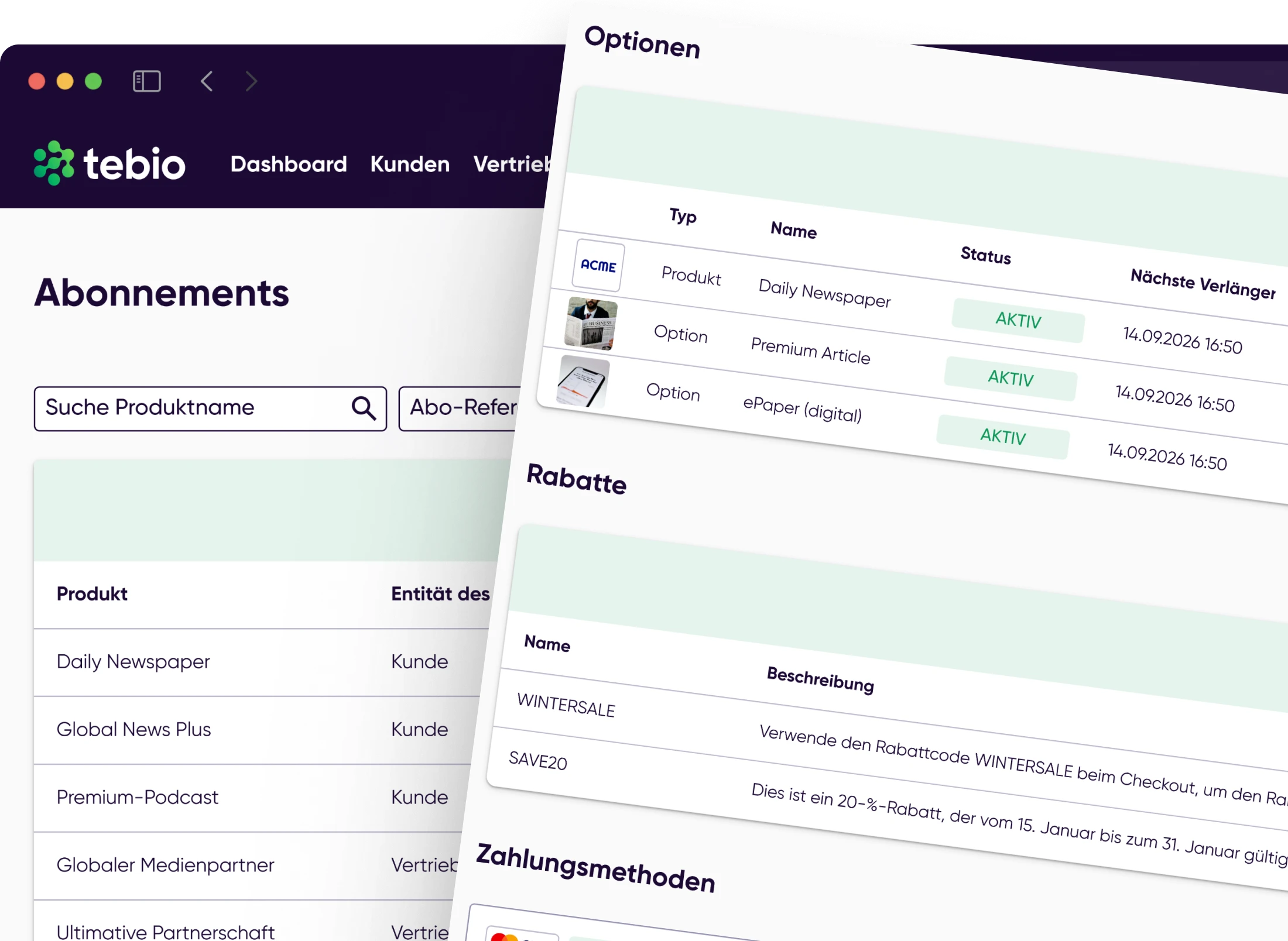
Invoice, receipt and document information can be processed further in customer portals, finance processes or support systems.
Payment methods, payment status, open items, incoming payments and refunds can be used in the context of billing and subscription processes.
Support processes can be linked with customer, subscription, invoice or event data.
API keys, Webhooks, events and other integration features support technical setups and automated processes.
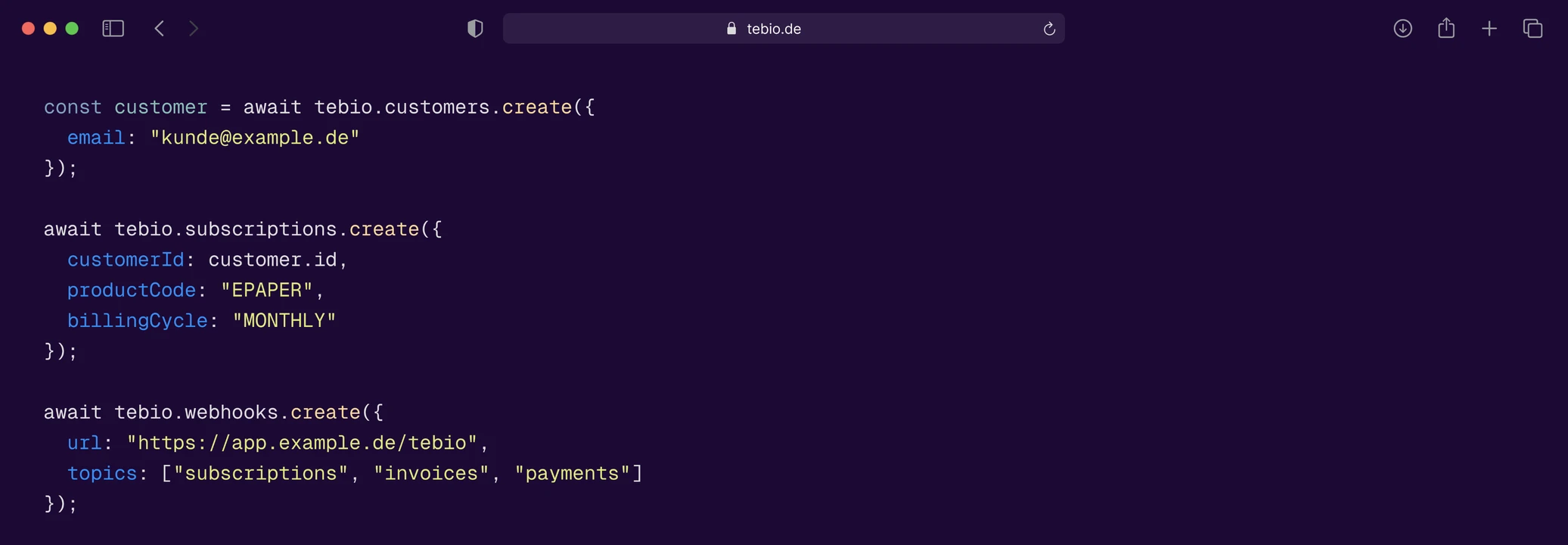
Webhooks notify external systems about relevant events in tebio. This lets connected systems react to changes in customer, subscription, billing, payment, document or helpdesk processes.
External systems can react when customers are created, changed or become relevant for further processes.
Systems can react when subscriptions are created, changed, paused, canceled or otherwise modified in their lifecycle.
Orders from Hosted Pages, the Business Portal or API processes can trigger downstream processes in external systems.
Invoices, receipts, invoice corrections, cancellations (reversals) or billing-related documents can be relevant for Finance, support or customer portals.
Payment status, incoming payments, open items, failed payments or refunds can trigger external processes.
Generated documents or messages can be relevant for customer communication, archiving or external portals.
Partner-related orders, subscriptions or commission processes can be relevant for partner portals, Finance or external sales systems.
Webhook receivers should process events idempotently, log errors and, if needed, check the current state via the API.
Besides API and Webhooks, login and identity processes can also be part of a tebio integration. Companies can integrate tebio into existing authentication and SSO landscapes so that internal teams, customers or partners can work with suitable access and roles.
tebio uses Keycloak-based identity and access mechanisms. Depending on the setup, this can support single sign-on, external identity providers and customer-specific login processes. This lets you integrate the Business Portal, Hosted Pages, customer portal, sales partner portal and external systems consistently into existing access processes.
Identity Provider / SSO Keycloak-based authenticationBusiness Portal / Hosted Pages / Customer portal / Sales partner portal
 Customers · Teams · Partners
 Subscription Management / Billing / Payments / API
Internal teams manage customers, subscriptions, orders, products, invoices, payments, helpdesk and settings in the tebio Business Portal.
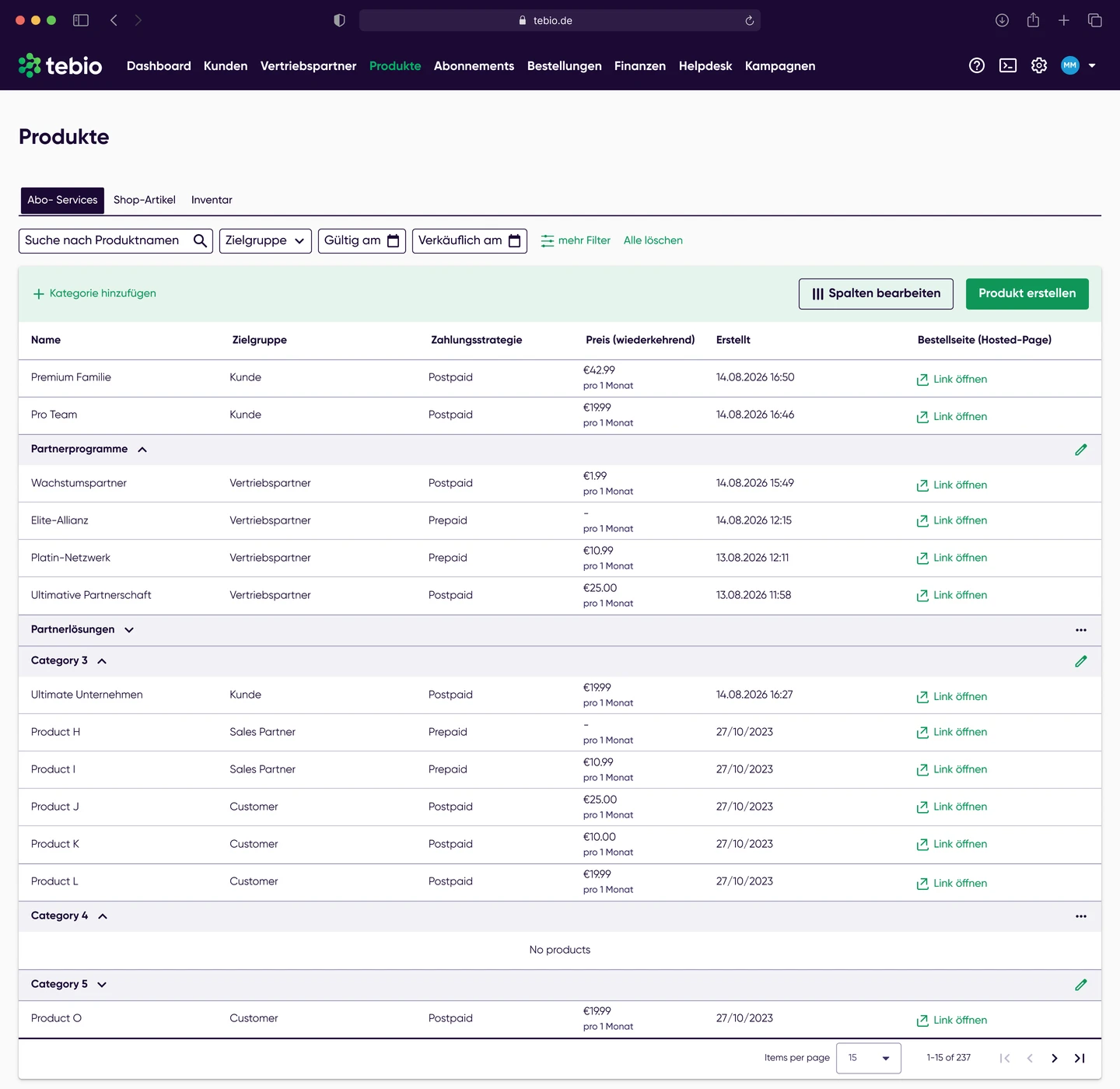
Customers, sales partners or affiliate partners use Hosted Pages for order flows, checkout, Self-Care, registration or partner-side processes.
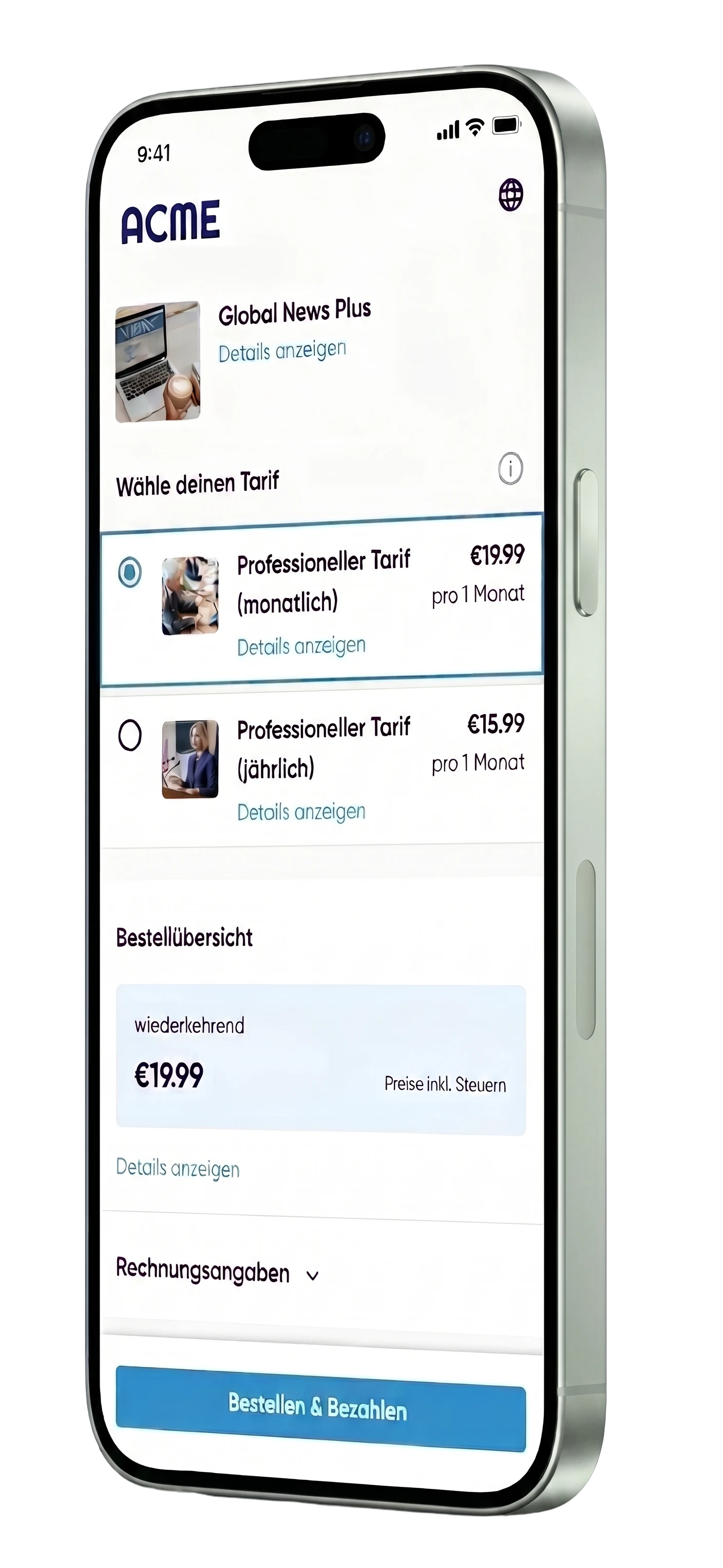
External systems access tebio technically or are notified about relevant events so that processes can be synchronized automatically.
Depending on the setup, login, role and access concepts can be connected with existing identity providers and SSO landscapes.

API, Webhooks and identity features help connect tebio with systems already in use at your company. This keeps customer, subscription, billing, payment and access data available in the relevant processes.
Your own websites, customer portals or Self-Care interfaces can use tebio as their subscription and billing backend.
Customer data, sales processes and support information can be connected with subscription and billing context.
Invoices, payment status, reports, journal and DATEV-ready processes can be included in downstream finance processes.
Digital products, content access, licenses or service entitlements can react to subscription status.
Activation, modification or deactivation of services can be triggered by subscription or payment events.
Customer, subscription, billing and payment data can be processed further for reporting, analysis and management.
Support systems can use customer, contract, invoice and payment information to handle requests faster.
Depending on the setup, existing login and identity landscapes can be connected with tebio so that internal teams, customers or partners can work with suitable access and roles.
Publishing systems, telco systems, healthcare platforms, IoT platforms or fitness systems can be connected with tebio.
tebio provides technical features so that developers can plan, test and operate integrations. API reference, API keys, Webhooks, events, playground and identity concepts support the implementation of your own integrations.

The API reference describes resources, parameters, requests, responses and technical details for the integration.

API keys can be used to connect external systems with tebio in a controlled way.
Webhook endpoints can be configured so that external systems receive relevant events.

Events help transfer business changes from tebio to external processes.

The playground helps you test and understand technical flows before integrations go into production.

Depending on the setup, Keycloak-based login and access processes can be used for SSO, external identity providers and role-based access.

The tebio documentation explains integration concepts, typical workflows and practical setup steps.
Integrations for subscription management and billing are business-critical. That's why API access, webhook receivers, error handling, monitoring, login processes and role models should be planned deliberately. tebio supports a structured technical connection via documented interfaces, configurable integration features and identity-related access mechanisms.
Manage API keys in a controlled wayConfigure webhook endpoints specificallyProcess events traceablyLog errorsHandle repeated events idempotentlyCheck the current state via API if neededAlign SSO and identity processes depending on the setupConfigure roles and access deliberatelyUse a test environment or playground for technical preparationClarify responsibilities between tebio and external systemsAPI and Webhooks are especially relevant when billing, invoice, payment or financial data needs to flow into external systems. This lets Finance, support, reporting and product processes react to current billing and payment events.
Subscription Billrun
 Invoice / payment
 Billing or payment eventWebhookExternal system
 API check / downstream process
API, Webhooks and identity features help companies integrate tebio into industry-specific processes — from digital products and customer and partner portals to complex subscription and billing system landscapes.


Integrate custom frontends, product backends, licenses, add-ons, upgrades, Self-Care, SSO, billing and payment events.

Connect publishing systems, delivery logic, content access, customer login, helpdesk, subscriptions, invoices and payments with tebio.

Integrate tariffs, options, provisioning, usage, quotas, payment status and billing processes.

Connect organizations, licenses, access roles, subscriptions, billing, Self-Care and external platform processes.

Synchronize device subscriptions, resources, usage, activation, deactivation, billing and IoT platforms.

Integrate memberships, access systems, class booking, coaching platforms, payment status and Self-Care.
The tebio documentation shows how API, Webhooks, events, playground, Hosted Pages and platform processes can be used to integrate tebio with external systems.
When do I use the portal, API or Hosted Pages?Decide which access is suitable for which process.Typical API workflowLearn the typical steps of an API integration with customers, products, orders, subscriptions and downstream processes.Use the API referenceUse the technical API documentation for resources, parameters and integration details.Create API keysSet up technical access for external systems.Understand WebhooksConnect tebio events with external systems and automated downstream processes.Understand eventsCheck which events are relevant for integration, automation and monitoring.Use the playgroundTest and understand technical flows before the production integration.Error handlingPlan for error cases, retry logic, idempotency and state checks in your integrations.tebio provides API and Webhooks so that external systems can work with customers, subscriptions, orders, invoices, payments, documents and events from tebio. The API is used for active technical integration, while Webhooks notify external systems about relevant events.
The API is used when an external system actively communicates with tebio. Webhooks are used when tebio notifies external systems about events, for example changes to customers, subscriptions, invoices or payments.
Depending on the setup, tebio can be integrated into SSO and identity provider landscapes. This lets internal teams, customers or partners work with suitable login and access processes.
tebio uses Keycloak-based identity and access mechanisms. Depending on the setup, this allows login processes, roles and external identity providers to be included in tebio-related processes.
Depending on the configuration, customer or partner access can be connected with Hosted Pages, Self-Care, the sales partner portal and identity provider processes. The exact scope depends on the setup and the access requirements.
SSO is not an API endpoint but part of the identity and access integration. API, Webhooks, Hosted Pages and SSO serve different purposes, but can be combined in one platform architecture.
Yes. Your own websites, portals or product frontends can integrate tebio via API and Webhooks. Alternatively or additionally, Hosted Pages can be used for standardized ordering and Self-Care processes.
Typical integration targets are CRM, ERP, finance systems, product backends, provisioning systems, customer portals, support systems, data warehouses, BI systems, identity providers and industry-specific platforms.
Yes. Webhooks can notify external systems about relevant subscription events. This can trigger downstream processes such as activation, deactivation, reporting or customer communication.
Yes. API and Webhooks can be used to connect invoice, payment, document or status events with external systems.
Yes. The tebio API reference describes technical resources, parameters, requests, responses and integration details.
Yes. The playground helps developers test technical flows and better understand the API before using it in production.
No. API, Webhooks and the Business Portal serve different purposes. The Business Portal is the interface for internal teams. API and Webhooks are intended for technical integration and automation. Many setups use both together.
Webhook receivers should process events idempotently, log errors and, if needed, check the current state via the API. This keeps external processes more robust, even if events are processed repeatedly or with a delay.
No. tebio combines the Business Portal, Hosted Pages, API, Webhooks, identity features, billing, payments and finance-related processes. Developers can integrate tebio while business teams handle day-to-day processes in the portal.

Start with tebio for free or talk to us about how you can connect customers, subscriptions, billing, payments, Hosted Pages, API, Webhooks and identity processes with your existing systems.