 Read Quick Start











1. Subscription as the foundation
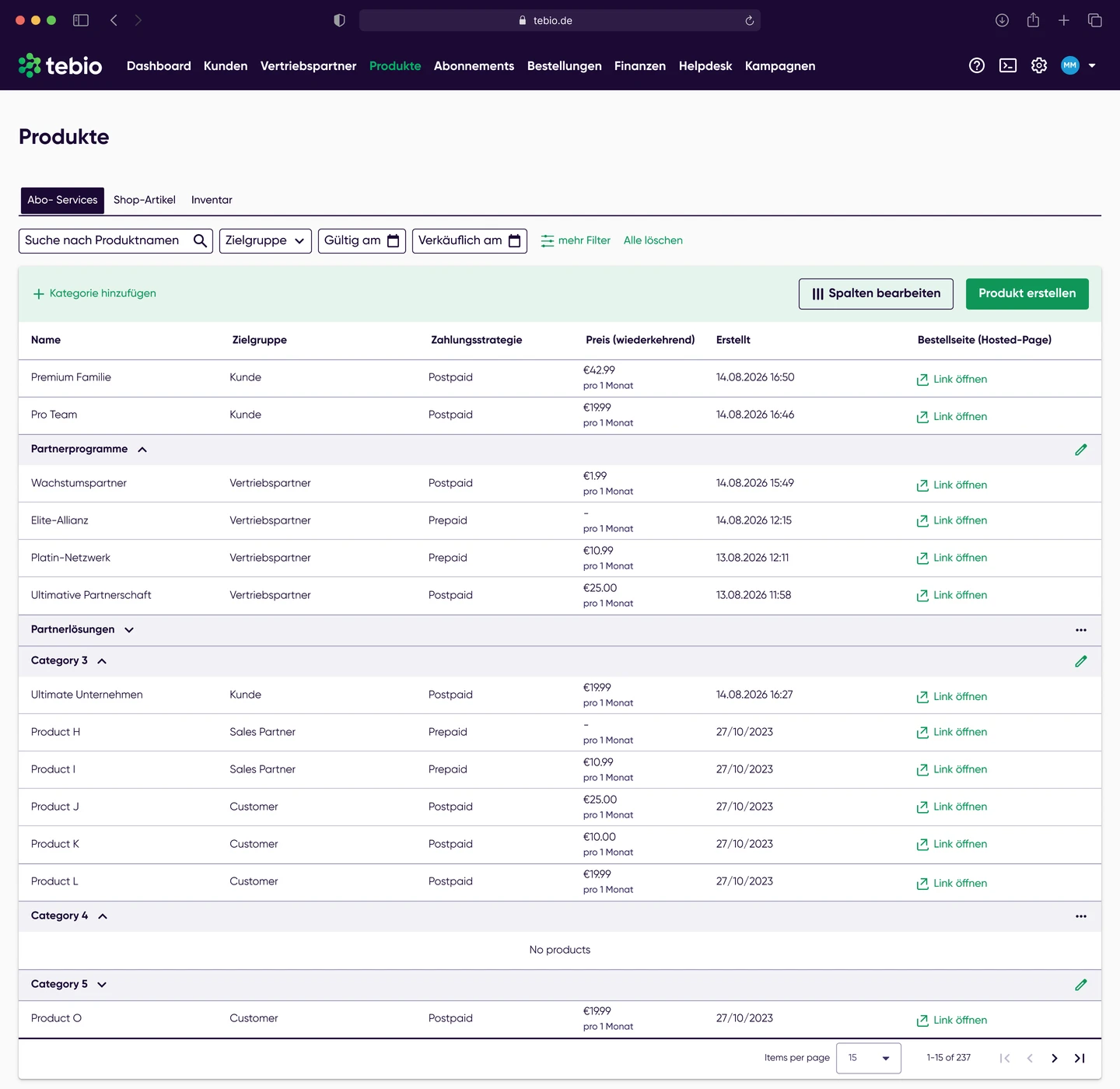
Customers, products, options, prices, discounts, terms and payment methods form the basis for subsequent billing.
For automated billing, invoices and finance processes
Automate recurring billing, billruns, invoices, receipts, payment status, corrections, refunds, reports and downstream finance processes. tebio connects subscription management, billing, payments, Business Portal, Hosted Pages, API and webhooks in one platform.
 Subscription
 Product / price / option
 Rating
 Billrun
 Payment status
 Invoice / receipt
 Journal / Reports / DATEV-ready processes
 API / Webhooks / Finance





Recurring business models create many downstream commercial processes: products have to be rated, billing periods taken into account, discounts applied, invoices created, payments matched, open items monitored, corrections processed and financial data exported. When these steps happen manually or in separate systems, the result is errors, delays and a high coordination effort.
 Subscriptions, products, prices and payment processes are not cleanly connected.Recurring invoices have to be created or checked manually.Prepaid, postpaid and usage-based models are processed inconsistently.Discounts, option changes, product changes or pauses affect billing.Payments, open items and failed payments are hard to trace.Invoice corrections, cancellations and refunds create manual follow-up work.Finance teams need reliable reports, journal and export data.Support teams need quick access to invoice and payment status.External systems have to be informed about billing and payment events.
With tebio, billing processes are generated from customer, product, price, subscription, order and payment data. The platform supports recurring billing, rating, billruns, invoices, receipts, payment status, corrections, refunds, reports, journal and DATEV-ready processes.
In tebio, billing & invoicing is not an isolated process. Invoices, payments, documents, events, reports and webhooks stay connected to customers and subscriptions and can be traced in the Business Portal or processed further via API and webhooks.
tebio covers the billing process along the entire subscription lifecycle — from product and pricing logic through rating and billrun to invoice, payment, reporting and integration.
Customers, products, options, prices, discounts, terms and payment methods form the basis for subsequent billing.
Billable items are rated based on the product, pricing and subscription logic.
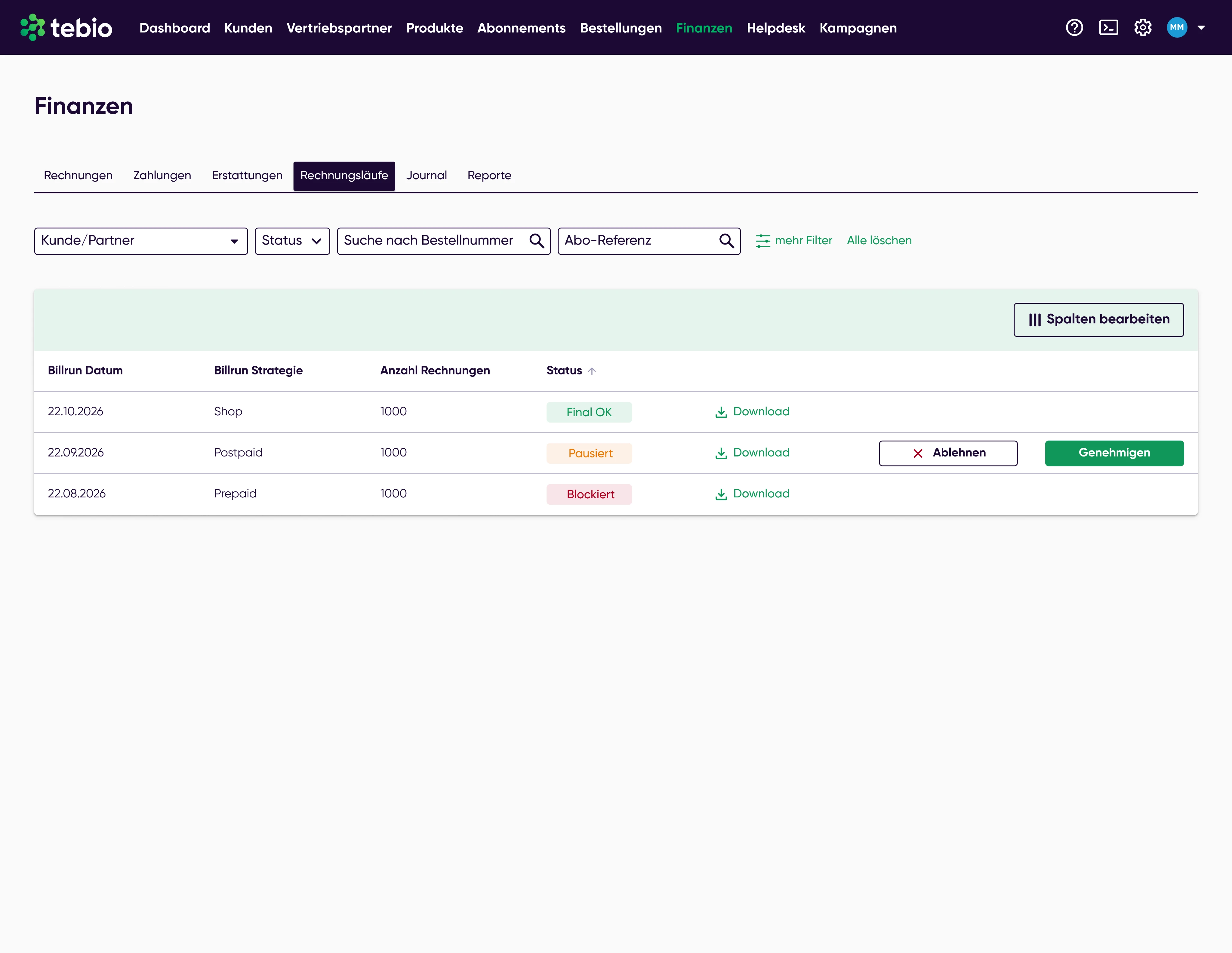
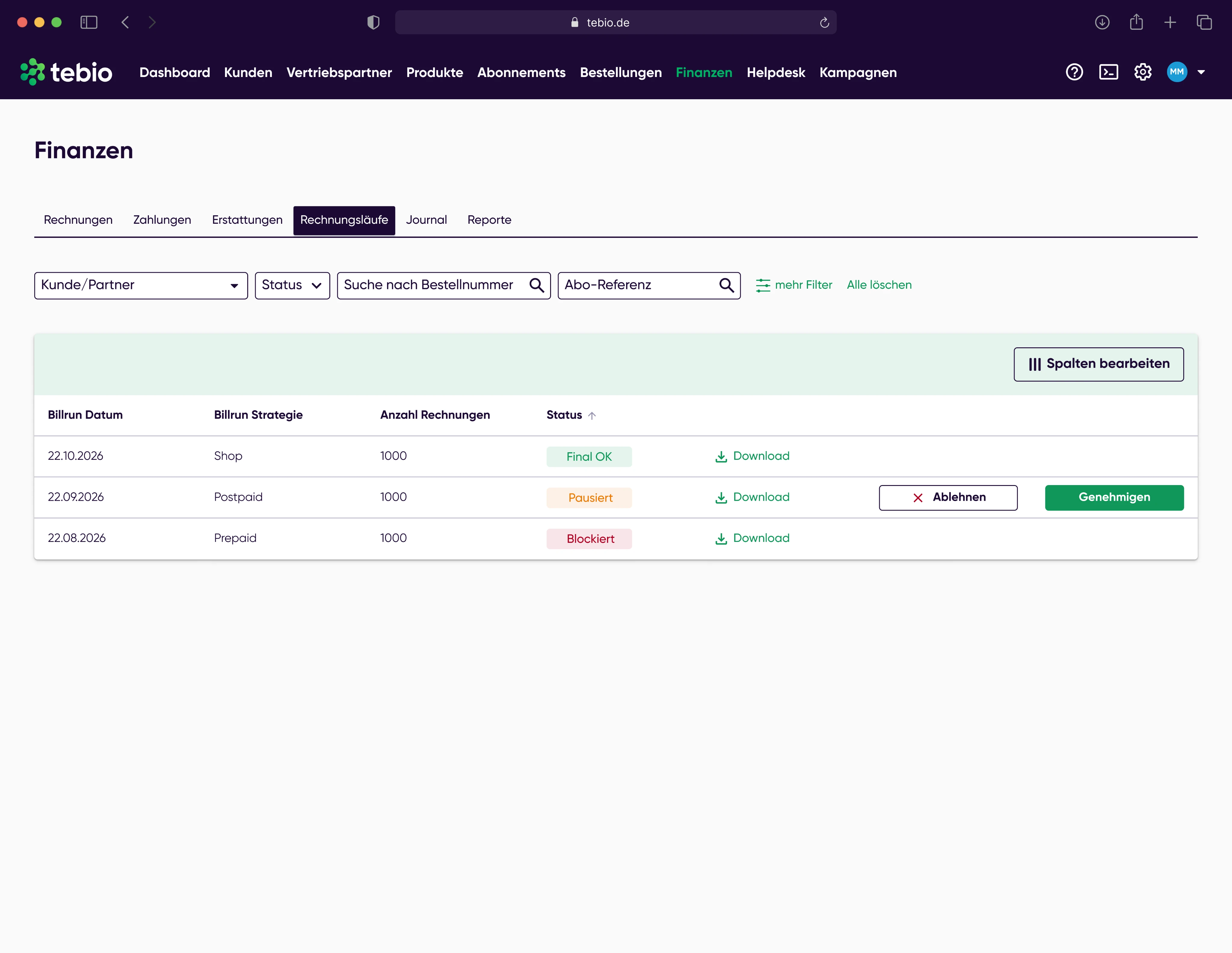
The billrun collects and processes billable items and transfers them into invoice or receipt processes.
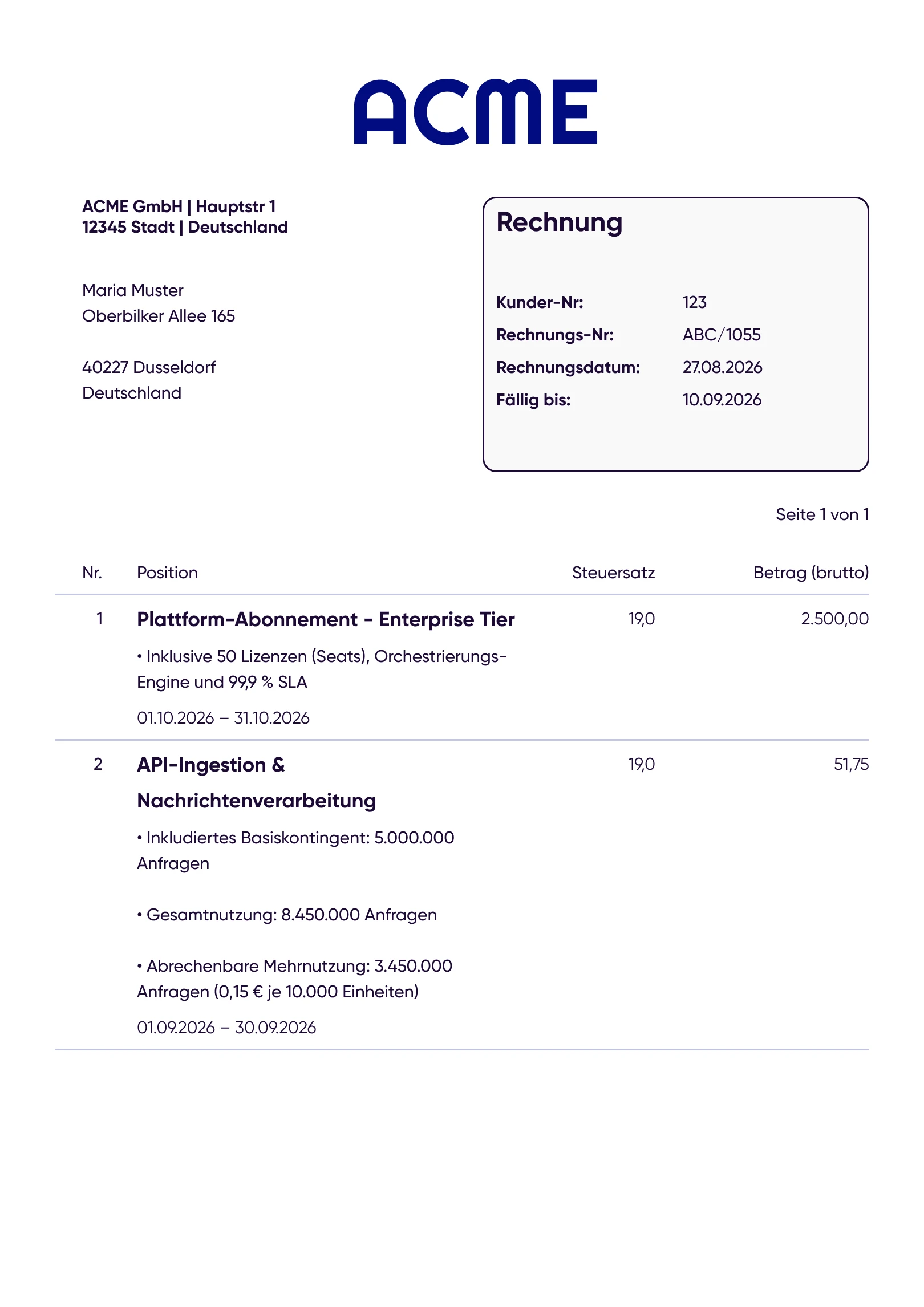
Invoices, receipts or other billing-related documents are generated and linked to the customer, subscription and payment context.
Incoming payments, open items, failed payments and refunds can be taken into account in the further process.
Cancellations, invoice corrections or refunds can be processed traceably when billing has to be adjusted afterwards.
Journal, financial reports and DATEV-ready processes support downstream finance and accounting processes.
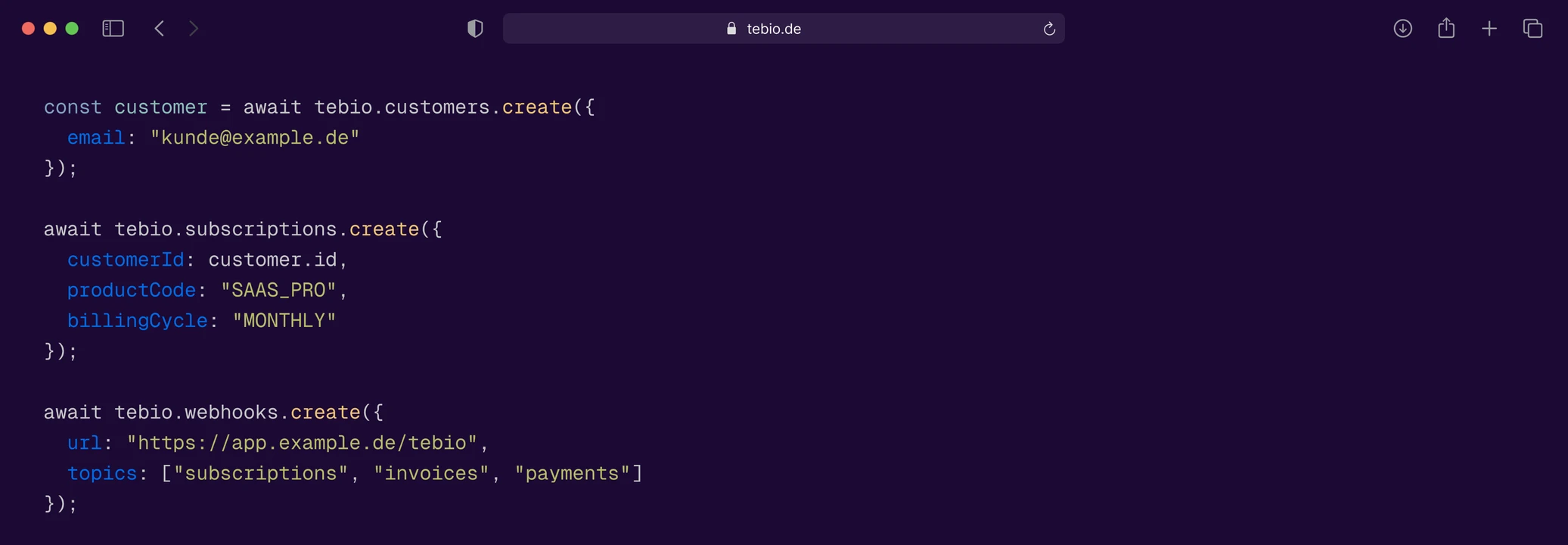
API and webhooks can inform external systems about relevant billing, invoice, payment or document events.
tebio supports regular billing processes for subscriptions, products, options and recurring fees. This means invoices do not have to be created manually for every customer.
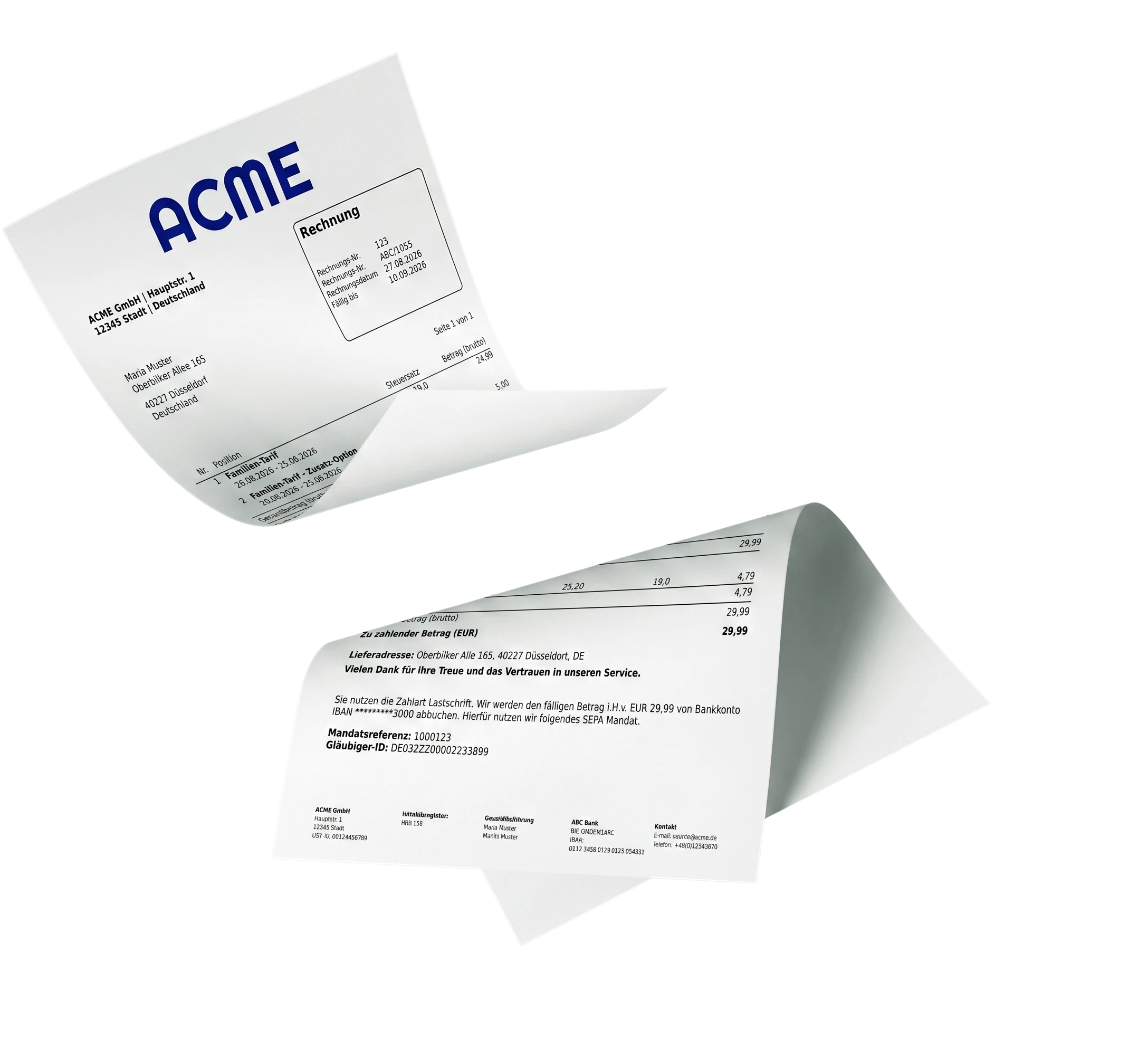
Billruns bundle billable transactions and make recurring billing plannable, traceable and operationally manageable.
tebio can support business models with advance payment and billing in arrears. This lets you map different payment and billing logics within one platform.
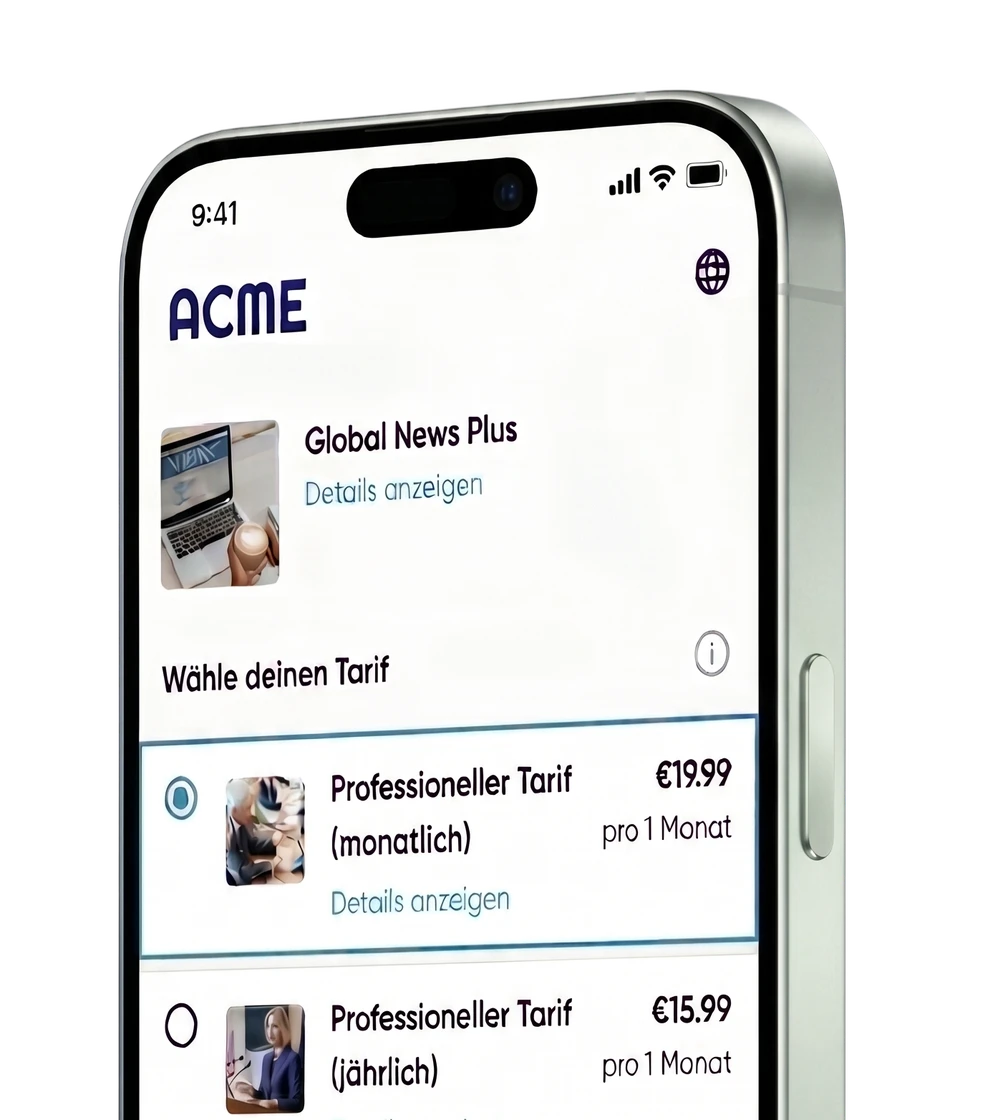
Subscriptions can combine recurring fees with one-time fees, add-on services, discounts or usage-based components.
Product changes, option changes, pauses or contract changes can affect billing. tebio helps you account for such changes traceably in the billing process.
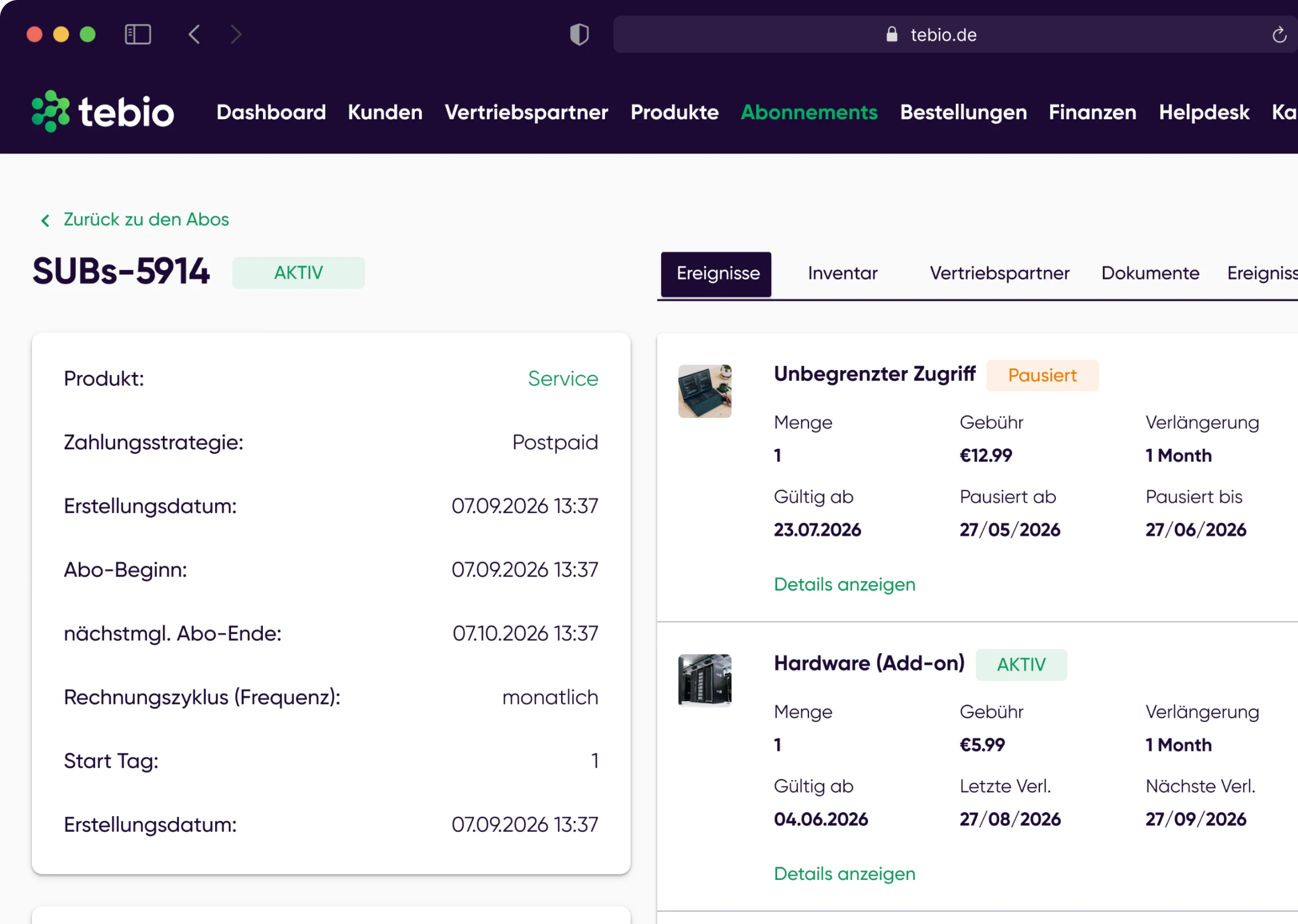
Discounts can be taken into account in the pricing and billing logic, for example for introductory offers, special terms or limited-time promotions.
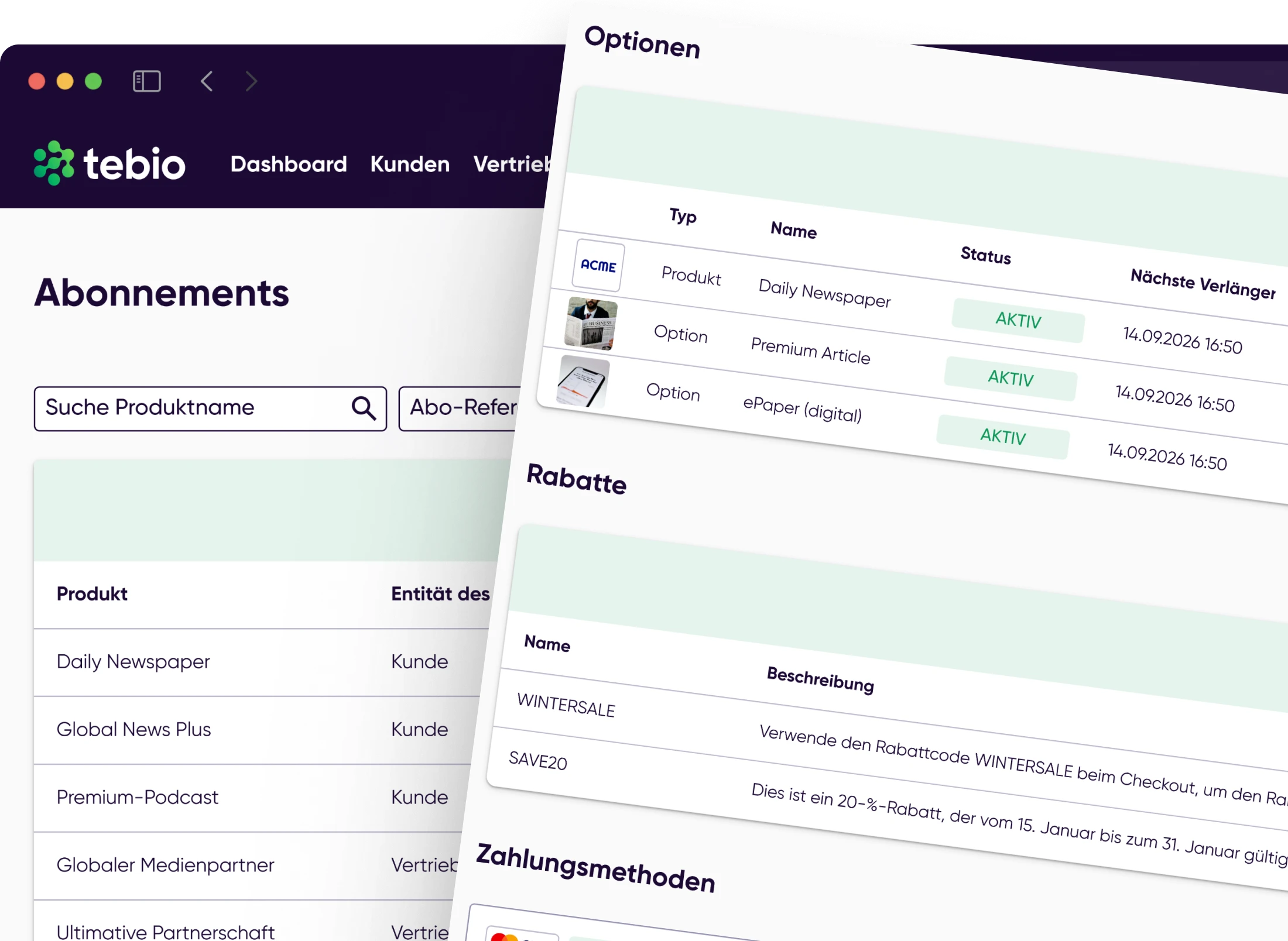
If business models include usage, consumption, quotas or exceeding usage, tebio can include usage-based components in the billing process.
Billing processes result in suitable documents such as invoices or receipts that stay linked to the customer, subscription and payment context.
Subsequent adjustments, cancellations, invoice corrections or refunds can be processed and traced in the context of the original billing.
Billing does not end with the calculation. Billing documents have to be generated, traced, communicated and found quickly when questions arise. In tebio, invoices, receipts and billing-related documents stay connected to customers, subscriptions, payments and events.
 Invoices
 Receipts
 Invoice corrections
 Invoice cancellationsPayment-related documents
 Customer-related documents
 Subscription-related documents
 Event history
 Messages
 Attachments
Invoices and payments have to be viewed together. tebio supports payment processes, incoming payments, open items, failed payments and refunds in the context of customers, subscriptions and invoices.
Payment processes such as SEPA direct debit and bank transfer can be handled via the company's own bank account, provided it is configured accordingly.
 Payment methods
 SEPA direct debit
 Bank transferPayment statusIncoming paymentsOpen items
 Failed payments
 RefundsInquiries in the customer context
 Payment events via webhooks
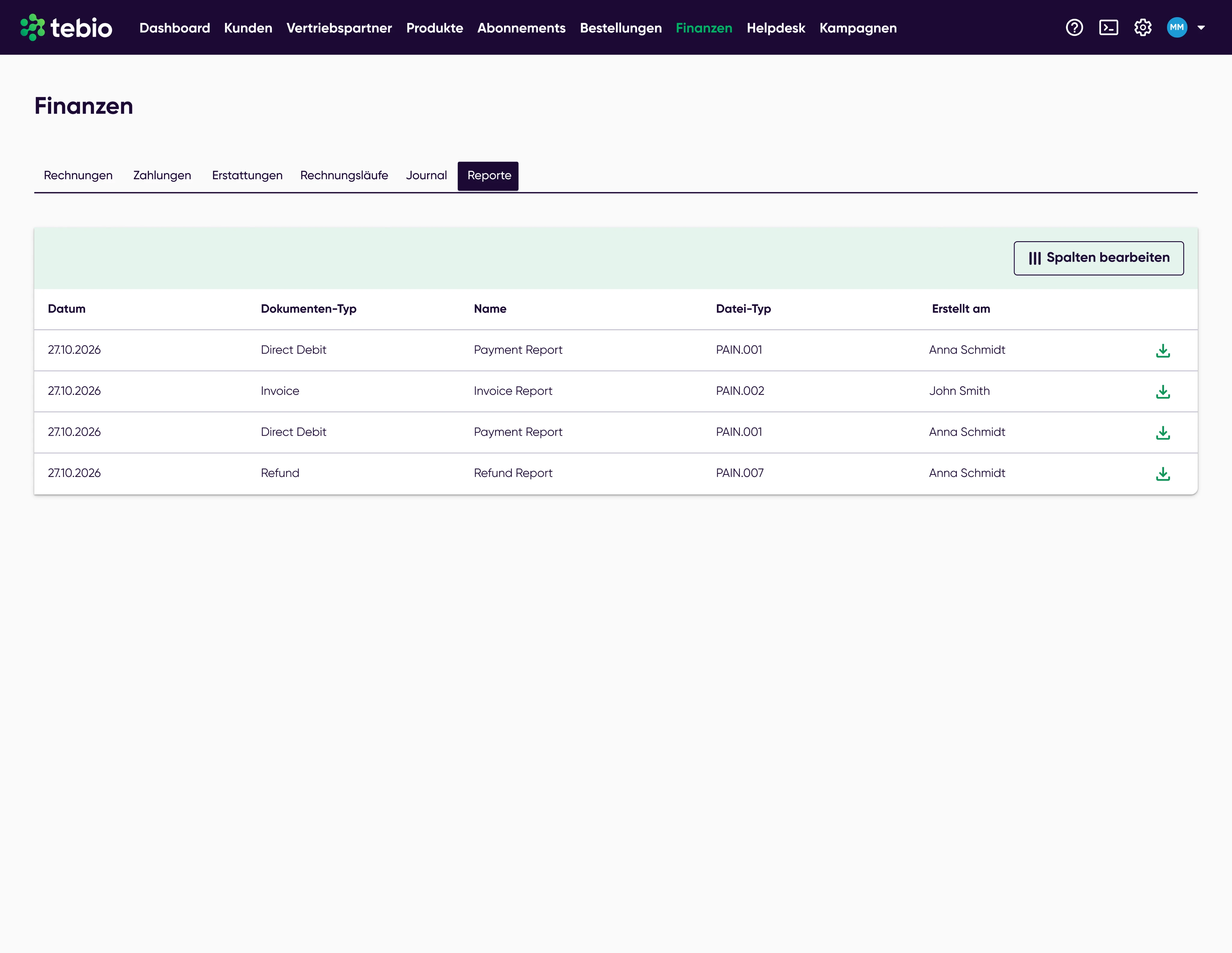
Finance teams need more than individual invoice documents. tebio supports journal, financial reports, payment status, open items and DATEV-ready processes so that billing data can be reviewed and processed further in a structured way.
Payment status JournalInvoice / receiptFinancial reportDATEV-ready processes
 Accounting / tax advisor
Billing processes have to fit prices, customer types, tax logic, invoice requirements and downstream finance processes. tebio supports commercial processes in which tax-relevant information, B2B and B2C contexts, e-invoices for suitable scenarios and financial data can be processed in a structured way.
tebio supports commercial and technical processes around billing, invoices and financial data. Tax and accounting assessments should still be made by the responsible specialists.
B2B and B2C scenariosTax logic in the billing processInvoice dataE-invoices for suitable B2B scenariosOSS-relevant information, if configuredFinancial reportsJournalDATEV-ready processesTraceable documents and eventstebio supports companies whose business models require recurring, usage-based or combined billing processes.


Bill monthly subscriptions, add-ons, upgrades, Self-Care, invoices, payments and API integration.

Bill print, e-paper, digital and bundle subscriptions with payments, invoices, pauses, corrections and DATEV-ready processes.

Bill tariffs, options, prepaid, postpaid, usage, quotas, exceeding usage and provisioning processes.

Support digital offerings, licenses, organizations, B2B and B2C billing, e-invoices and payment processes.

Map device subscriptions, service contracts, resources, usage-based billing, invoices and system integration.

Manage memberships, training packages, recurring fees, SEPA payments, open items and refunds.
The tebio documentation shows step by step how billing, invoices, payments, corrections, reports and integrations are used in tebio.
 View documentationRecord a paymentLearn how payments can be recorded or traced in the Business Portal.Journal and financial reportsUse reports and journal for downstream finance processes.Understand webhooksConnect billing, invoice, payment and document events with external systems.
Billing & invoicing with tebio means generating billing processes from customer, product, price, subscription and payment data. This includes rating, billruns, invoices, receipts, payment status, corrections, refunds, reports and downstream finance processes.
Yes. tebio supports recurring billing for subscription models. Billing-relevant data can be processed via rating and billruns and transferred into invoices, receipts, payment processes and reports.
Yes. tebio can support business models with advance payment and billing in arrears. The specific setup depends on the respective product, pricing and billing model.
Yes. tebio can take usage-based components into account if business models include usage, consumption, quotas or exceeding usage.
Yes. Invoices, receipts, invoice corrections, cancellations, payment status, documents and events can be traced in the Business Portal in the context of customers and subscriptions.
tebio supports payment processes such as payment methods, incoming payments, open items, failed payments and refunds. SEPA direct debit and bank transfer can be handled via the company's own bank account, provided it is configured accordingly.
E-invoices can be relevant for suitable B2B scenarios. tebio supports commercial processes in which invoice data can be processed in a structured way and used for such scenarios.
tebio supports journal, financial reports and DATEV-ready processes so that billing data can be prepared for downstream finance and accounting processes.
No. tebio is not complete accounting software and not an ERP system. tebio supports subscription management, billing, payments, invoicing processes, reports, journal and DATEV-ready downstream processes.
Yes. Via API and webhooks, external systems can process relevant billing, invoice, payment, document or subscription events and synchronize them with their own processes.

Start with tebio for free or talk to us about how you can connect subscriptions, billing, invoices, payments, reports and integrations in one platform.