 View documentation
 Read Quick Start











1. Create and edit customers
Teams can centrally manage customers, addresses, contacts, properties, payment data, documents and events and trace the customer context.
For operations, support, finance and product teams
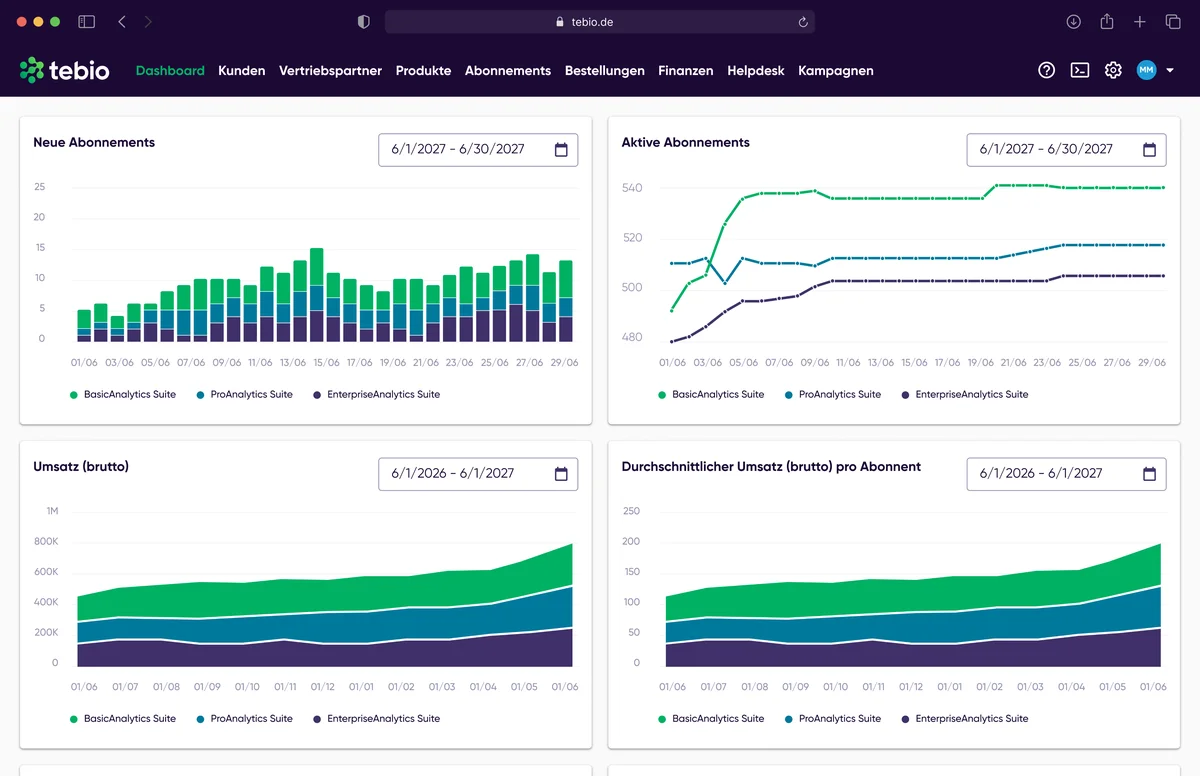
Manage customers, subscriptions, orders, products, invoices, payments, helpdesk, sales partners and configuration in one central interface. The tebio Business Portal makes recurring business models manageable in day-to-day work — connected to billing, payments, Hosted Pages, API, Webhooks and finance processes.
 Business Portal
 Customers · Subscriptions · Orders
 Invoices · Payments · Reports
 Helpdesk · Sales partners · Settings
 API · Webhooks · Hosted Pages






Recurring business models create operational tasks every day: creating customers, checking subscriptions, processing orders, changing products, tracing invoices, clarifying payments, answering support cases and keeping external systems in sync. When this information is spread across several tools, the result is errors, follow-up questions and manual work.
 Customer, subscription and payment data live in different systems.Support teams can't immediately see which subscription is active.Finance teams have to track invoices, payments and open items manually.Product changes, pauses, cancellations or option changes are hard to trace.Orders from digital channels need further operational processing.Helpdesk, communication and documents are not connected to the customer context.Developers have to handle simple operational tasks via interfaces or internal tools.Management and teams lack a unified view of ongoing processes.
The tebio Business Portal brings key operational tasks together in one interface. Teams can manage customers, subscriptions, orders, products, invoices, payments, helpdesk tickets, sales partners and settings without having to build their own internal tools.
The portal runs on the same platform logic as Hosted Pages, API and Webhooks. This keeps customer processes, internal handling, billing, payments and integrations connected.
Teams can centrally manage customers, addresses, contacts, properties, payment data, documents and events and trace the customer context.
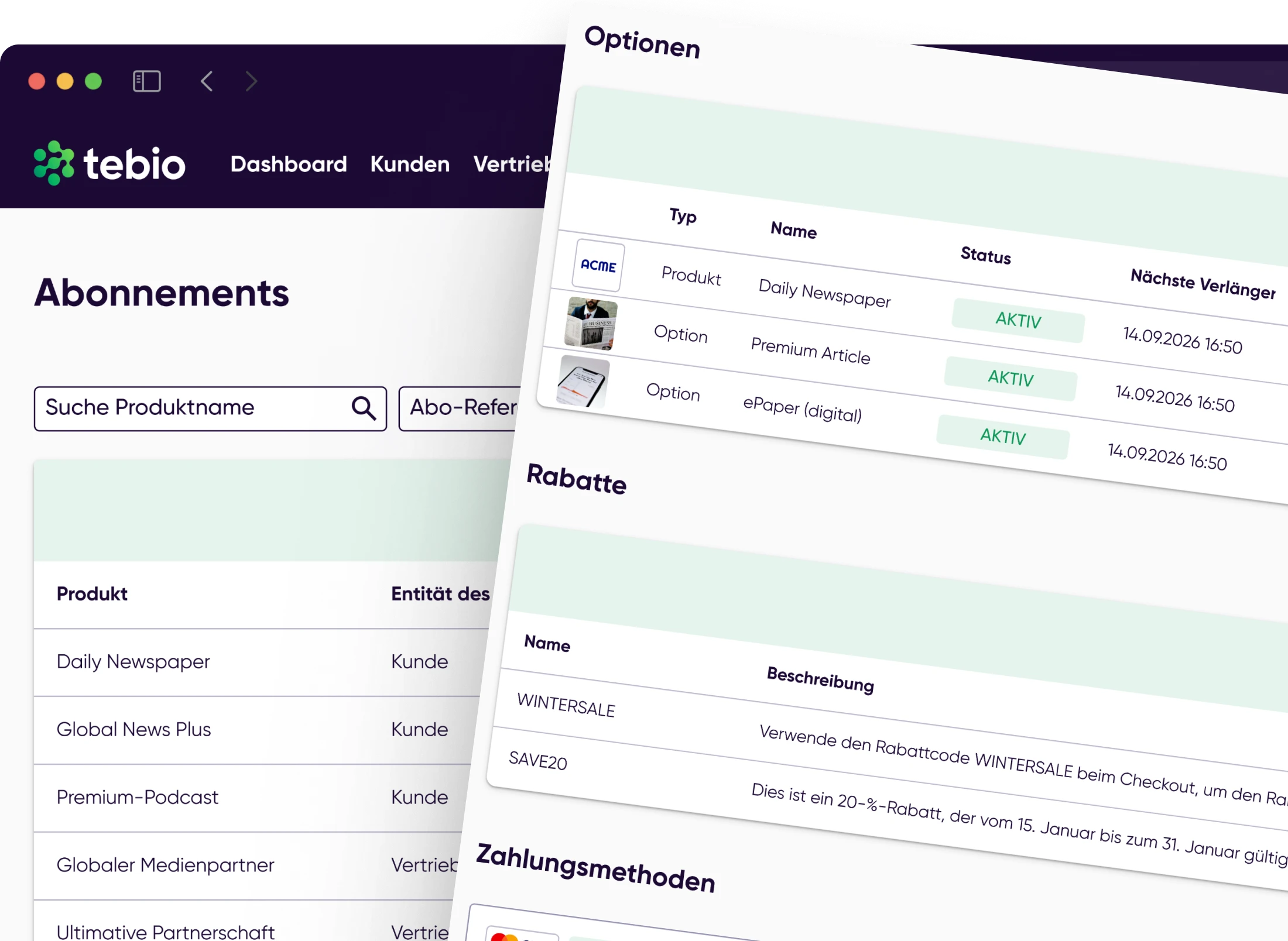
Subscriptions can be searched, reviewed, edited, paused, canceled or adjusted through product and option changes.
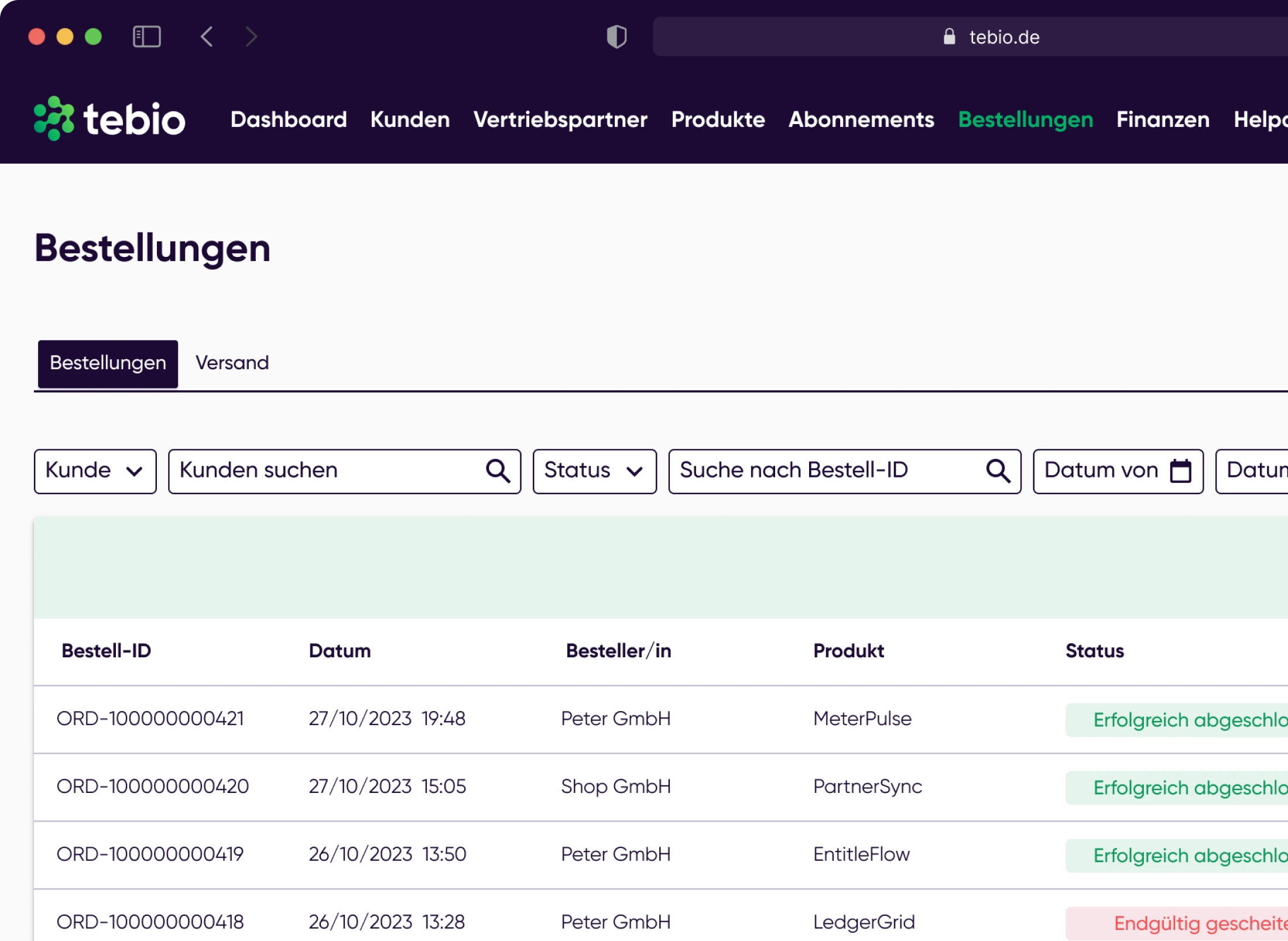
Orders from Hosted Pages, the API or internal entry can be searched, reviewed, edited and traced in the Business Portal.
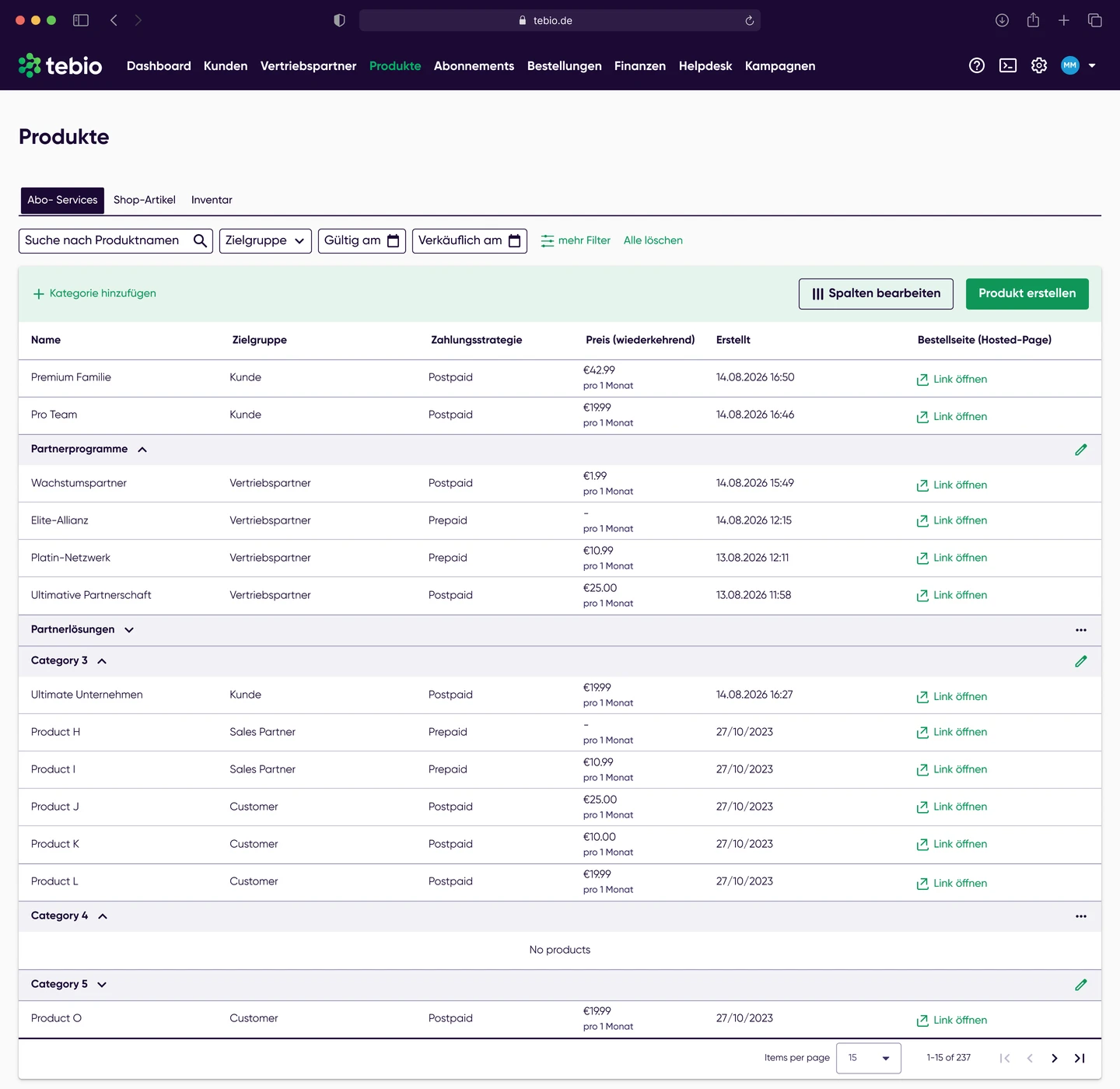
Products, options, prices, discounts and switching options can be configured to reflect different business models.
Teams can trace invoices, receipts, incoming payments, open items, refunds and finance reports in the portal.
Helpdesk tickets, messages, attachments and events can be handled in the customer context so that support processes remain traceable.
Sales partners, partner-related data and commission processes can be managed operationally in the Business Portal, provided these features are in use.
API keys, Webhooks, communication channels, Hosted Pages, branding, numbering, taxes and other settings can be configured in the portal.
The Business Portal supports teams along the entire subscription process — from customers and products to orders, billing and payments through to helpdesk, sales partners and configuration.

Customer data, addresses, contacts, properties, payment methods, documents, messages, helpdesk tickets and event history.

Subscription search, details, product changes, option bookings, pauses, cancellations, documents, events and resources.

Enter, search, edit, cancel, document and trace orders in the event history.

Configure subscription products, options, prices, discounts, product changes and offer logic.

Invoices, receipts, billruns, payments, open items, credit notes, refunds, journal and finance reports.

Create, search and edit tickets, manage attachments and trace customer requests in context.

Create and manage sales partners, maintain billing-relevant data and support partner-related processes.

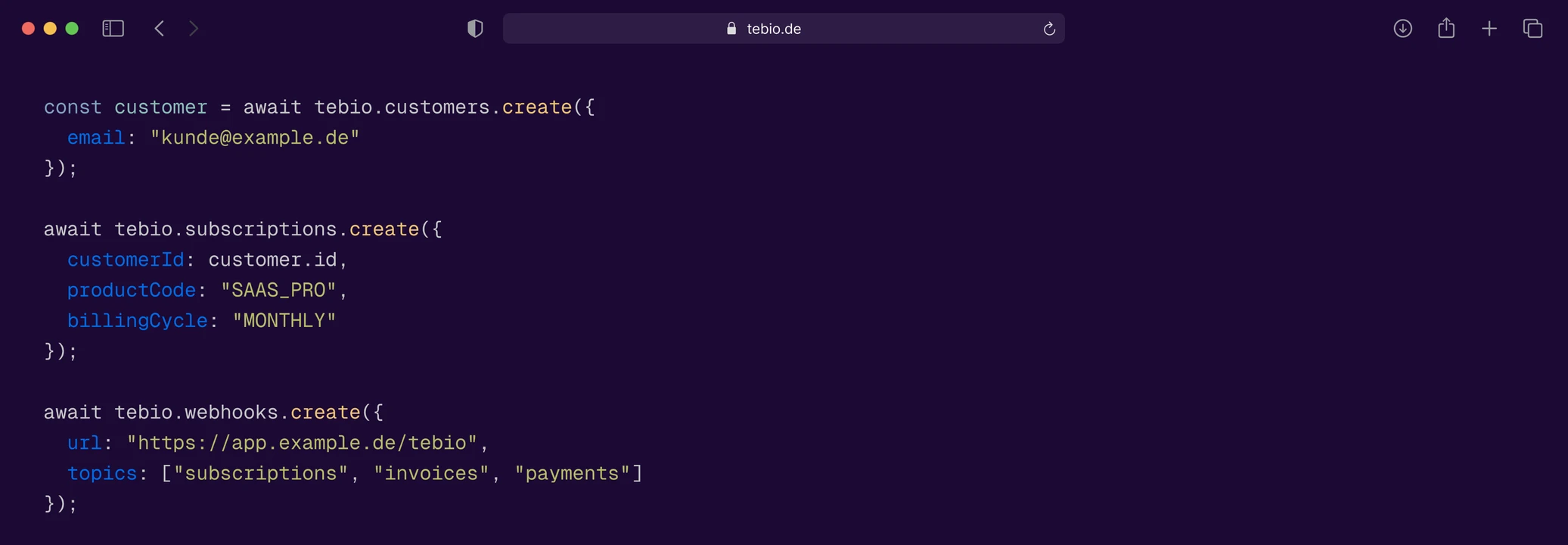
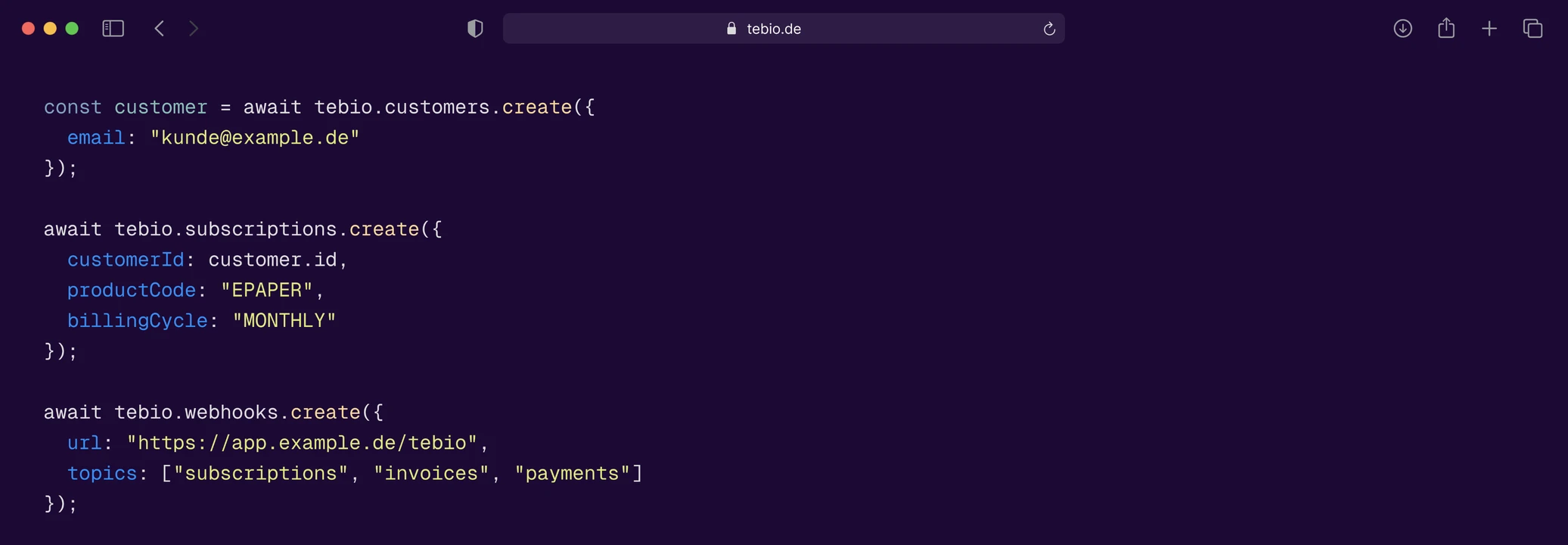
API keys, Webhooks, events, API reference and playground for technical connection and integration.

Company, branding, Hosted Pages, taxes, invoice settings, financial accounting, communication, numbering and other platform configuration.
Support, operations, finance and sales work with the same customer, subscription, document and event data. This reduces follow-up questions and manual coordination.
Many daily tasks can be done directly in the portal — for example creating customers, changing subscriptions, checking payment status or tracing invoices.
Products, options, prices, discounts, terms and lifecycle processes can be configured flexibly, while operational teams work with clear portal views.
Invoices, receipts, open items, incoming payments, refunds and finance reports can be traced in the context of customers and subscriptions.
Helpdesk tickets and customer events can be viewed together. This gives teams more context for requests about contracts, invoices, payments or usage.
Orders from Hosted Pages or API processes can be traced and further processed in the portal.
Hosted Pages, branding, communication, taxes, invoices, payment methods, financial accounting and technical settings can be maintained centrally.
API keys, Webhooks, events and technical connections are part of the portal, so that technical and operational processes fit together.
The Business Portal is made for teams that work with customers, subscriptions, invoices and payments every day. Clear lists, detail pages, status information, documents and event histories help you complete operational tasks in a structured way.

Customers, subscriptions, orders, invoices or tickets can be searched directly and opened in context.

Teams see relevant status information on subscriptions, orders, invoices, payments or support cases directly in the respective context.

Event histories, documents and records help you understand past events and back up decisions.

Many actions start directly from the customer, subscription or invoice view instead of switching between different systems.

Many settings for products, Hosted Pages, communication, invoices or payment processes can be maintained in the portal.

The tebio documentation helps teams understand portal areas and typical workflows step by step.
Subscription, billing and payment processes need to stay traceable. In the Business Portal, event histories, documents, status information and reports help you handle customer and billing processes transparently.
 Customer events
 Subscription events
 Order events
 Invoice documents
 Payment status
 MessagesHelpdesk tickets
 Attachments
 Finance reports
 Journal
The Business Portal connects operational subscription processes with billing, invoices, payments and finance-related reporting. Teams can see which invoices were created, which payments have been received, which items are open and which reports can be used for downstream processes.
 Invoice / receipt
 BillrunPayment / open itemSubscription
 Journal / Report
 Finance / DATEV-ready processes
The Business Portal supports teams in different industries that need to manage customers, subscriptions, billing and support processes operationally.

Manage customers, licenses, add-ons, upgrades, Self-Care, billing and API integration operationally.

Manage print, e-paper, digital and bundle subscriptions, delivery types, pauses, payments, helpdesk and content access.

Manage tariffs, options, prepaid, postpaid, usage, allowances, customer support and provisioning processes.

Manage organizations, licenses, subscriptions, Self-Care, billing and access processes.

Keep track of device subscriptions, service contracts, resources, usage, billing and system integration.

Manage memberships, training packages, pauses, SEPA payments, Self-Care and helpdesk processes.
The tebio documentation shows step by step how teams use the Business Portal, manage customers and subscriptions, review invoices, trace payments and configure settings.
 Create customersLearn how customers, addresses, contacts and other customer data are managed.Create, search and edit subscriptionsManage subscriptions, check their status and handle ongoing processes.Manage ordersEnter, search, edit and review orders in the Business Portal.Manage products and optionsConfigure products, options, prices and switching options.Search invoices and review detailsUnderstand invoices, documents, payment status and downstream processes.Review incoming paymentsKeep track of incoming payments, open items and failed payments.Use the helpdeskHandle customer requests, tickets, attachments and events in context.Set up Hosted PagesConfigure order pages, Self-Care and digital customer processes.API keys and WebhooksConnect tebio with external systems and automated processes.
The tebio Business Portal is the central interface for internal teams. It lets you manage customers, subscriptions, orders, products, invoices, payments, helpdesk tickets, sales partners, integrations and settings.
The Business Portal is intended for teams that run subscription processes operationally — for example customer service, operations, finance, sales, product management and technical teams.
No. Many daily tasks can be handled directly in the portal. Technical teams can additionally use the API, Webhooks and developer features when external systems need to be connected.
In the Business Portal you can manage customers, subscriptions, orders, products, options, prices, invoices, payments, helpdesk tickets, sales partners and settings, among other things.
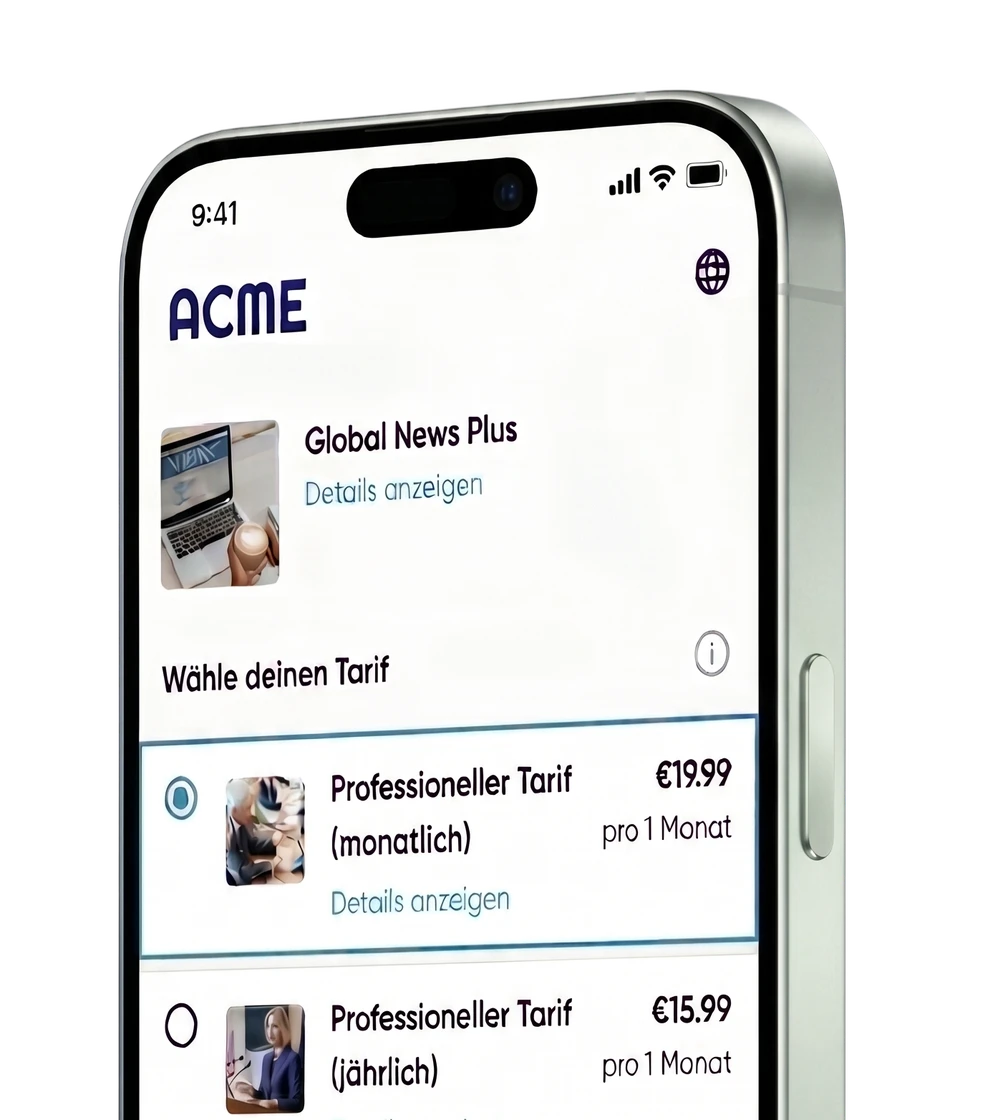
Yes. Orders and processes from Hosted Pages can be made visible in tebio and processed further operationally. Hosted Pages and the Business Portal run on the same platform logic.
Yes. External systems can be connected via API and Webhooks, for example CRM, ERP, finance, product backends, portals, provisioning systems or data warehouses.
Yes. Teams can trace invoices, receipts, incoming payments, open items, failed payments, refunds, journal and finance reports in the Business Portal.
Yes. Event histories help you trace customer, subscription, order and support processes. This lets teams review past events in the respective context.
The Business Portal and the API serve different purposes. The portal is the interface for internal teams. The API is intended for technical integration and automation. Many setups use both together.
No. tebio combines Business Portal, Hosted Pages, API, Webhooks, billing, payments, helpdesk and finance-related processes in one platform for recurring business models.

Start with tebio for free or talk to us about how your teams can manage customers, subscriptions, orders, billing, payments, helpdesk and integrations in one platform.